Plan the pattern before the first stitch.
Kuvio is a free online pattern maker for bead weaving, brick stitch, peyote, cross-stitch, colorwork knitting and pixel art. Draw on square or brick grids, keep your colors in one palette, then download a chart you can work from.
No sign-up needed. Open Kuvio and start drawing. Create a free account when you want your patterns saved.
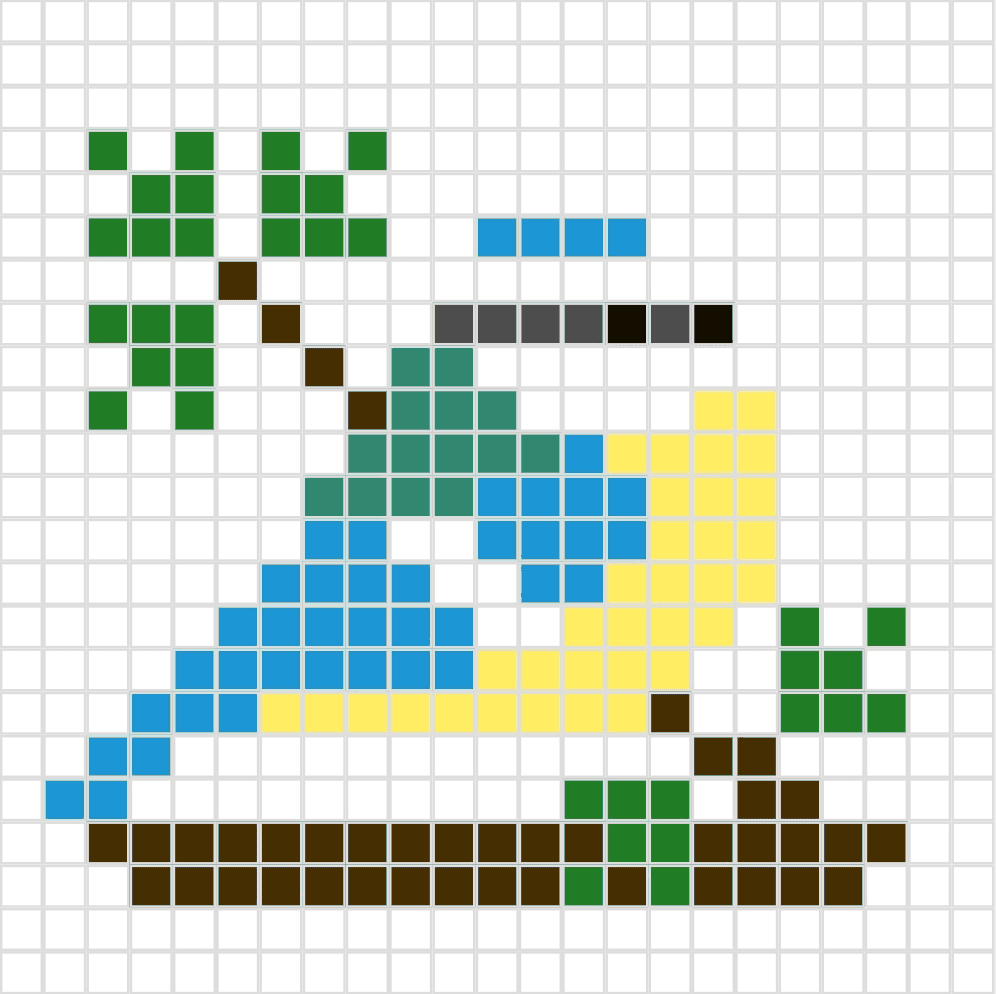
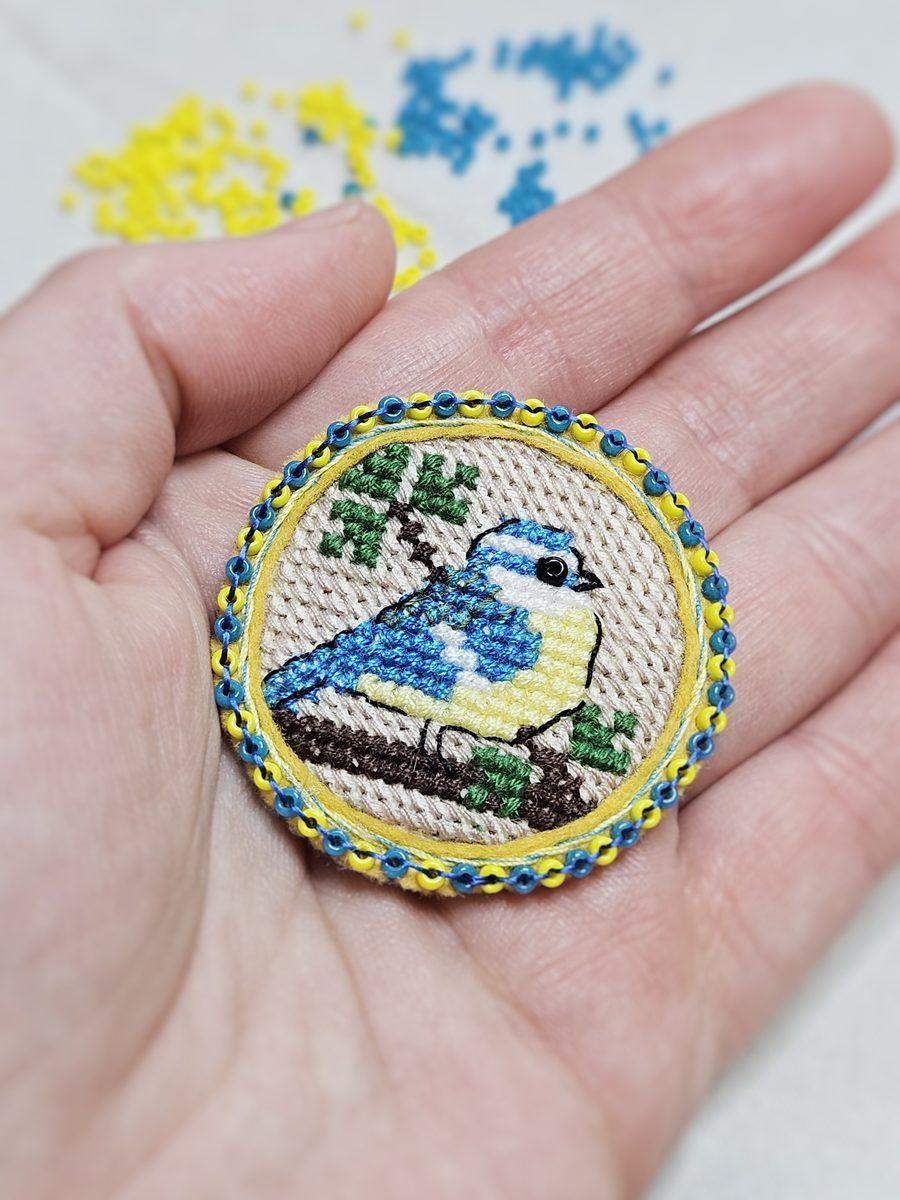
Graph paper is a slow way to change your mind.
Moving a motif two cells to the left means erasing it and drawing it again. Trying a different color means starting a new sheet. And brick-stitch rows never line up on squared paper in the first place.
Kuvio keeps the grid and drops the eraser. Move, recolor and mirror as often as you like, and only commit beads, thread or yarn once the pattern looks right.
Everything happens on the grid.
Square or brick grids
Switch between a regular grid and an offset brick layout, and set the cell size to match your beads or stitches.
One palette per pattern
Pick colors, save the ones you use, and reach for them again anywhere in the design.
Layers
Keep the motif, the border and the background apart. Hide a layer to see what sits underneath.
Freehand sketch layers
Rough out a shape with smooth pencil lines first, then fill in the cells below it.
Fill, select and mirror
Flood an area with one click, copy a motif to a new spot, or mirror it to build a symmetric design.
Print, download or share
Print the chart for your work table, download it, or send a link that opens the pattern as you left it.
For any craft built one cell at a time.
If you can draw it on graph paper, you can plan it in Kuvio.
Three steps from idea to chart.
Open and draw
No account, no setup. Pick a square or brick layout and the size of each cell, then start placing cells.
Adjust until it’s right
Use layers, fill and mirror, and undo whenever you change your mind.
Take it to the table
Print the chart, keep it open on your phone, or sign up to save it with the rest of your patterns.
Free until your pattern library grows.
You can start drawing without an account. Sign up when you want your patterns saved.
Free
- Save up to 50 patterns
- Square and brick grids, layers and palette
- Print, download and share by link
Questions, answered.
- What is Kuvio?
- Kuvio is a free online pattern maker for bead weaving, brick stitch, peyote, cross-stitch, colorwork knitting and pixel art. You draw on a square or brick grid in your browser, keep your colors in one palette, and download a chart to work from. The name is the Finnish word for “pattern”.
- Is Kuvio free?
- Yes. Drawing, downloading and sharing patterns are free and need no account. A free account saves up to 50 patterns. The Unlimited plan costs €2 a month and saves as many patterns as you make. Both plans have the same editor features.
- Do I need an account to make a pattern?
- No. Open the editor and start drawing; your current pattern is kept in your browser. Create a free account when you want to save several patterns and open them again on another device.
- Can I design brick stitch patterns?
- Yes. Choose the brick layout and every other row shifts by half a cell, the way beads sit in brick stitch. You set the number of beads across and down, and the chart matches the finished piece instead of squared graph paper.
- Can I make peyote or loom bead patterns?
- Yes. For peyote, choose the vertical brick layout, which shifts every other column by half a cell. For loom work and square stitch, use the square grid, where every bead lines up with its neighbors.
- Can I use Kuvio for cross-stitch or knitting charts?
- Yes. Use the square grid with one cell for each stitch. Fill, select, copy and mirror tools make borders and symmetric motifs quick to build, and layers keep the motif, border and background separate while you work.
- How big can a pattern be?
- A pattern can be up to 500 cells wide and 500 cells tall, which covers bracelets, earrings, samplers and large cross-stitch pieces. You can change the size and the cell size on screen at any time.
- How do I print my pattern?
- Use Print in the editor. The chart prints with a color key that lists every color and how many cells, so beads or stitches, it takes. You can also download it as a PNG with the same key, or keep it open on a tablet next to your work.
- Can I turn a photo into a pattern?
- Yes. The photo to pattern converter turns a picture into a cross-stitch, brick stitch, peyote or loom pattern with the number of colors you choose. It runs in your browser, so the photo never leaves your device, and opens the result in the editor.
- Can I share a pattern with someone?
- Yes. Share link creates a link that opens your pattern in Kuvio as you left it. The person you send it to doesn’t need an account to open it.
- Does Kuvio work on a phone or tablet? Is there an app?
- Kuvio works in the browser on phones, tablets and computers, with touch drawing on small screens. An Android app is on the way.
- Who makes Kuvio?
- Kuvio is made by Michal Brutvan, an independent maker in Finland. It is a small service with no ads; the Unlimited plan helps pay for it.
Your next pattern starts as an empty grid.
No account needed. Pick a size, pick a layout, and place the first cell.