Cross-stitch pattern maker
Kuvio is a free online cross-stitch pattern maker. Draw your design stitch by stitch on a square grid, keep your thread colors in one palette, mirror and repeat motifs, then download a chart to stitch from. It runs in your browser, with no account needed to start.
Free, no sign-up needed. Opens the editor on the square layout. Have a picture instead? Turn a photo into a cross-stitch pattern.
How to make a cross-stitch pattern in Kuvio
- 01
Open the editor on the square layout, one cell for each stitch.
- 02
Set the canvas to your design’s size in stitches. On 14-count Aida, 14 stitches make one inch.
- 03
Pick your thread colors, draw the outline and fill the shapes. Use half-cell triangles for diagonal edges.
- 04
Print the chart, with a color key that counts the stitches for each color, or keep it open on a tablet while you stitch.
Change your mind freely
Move a motif, recolor a leaf or try another border without starting a new sheet of graph paper.
Symmetry built in
Draw a quarter of a snowflake or a mandala, then mirror it to complete the design.
Real projects
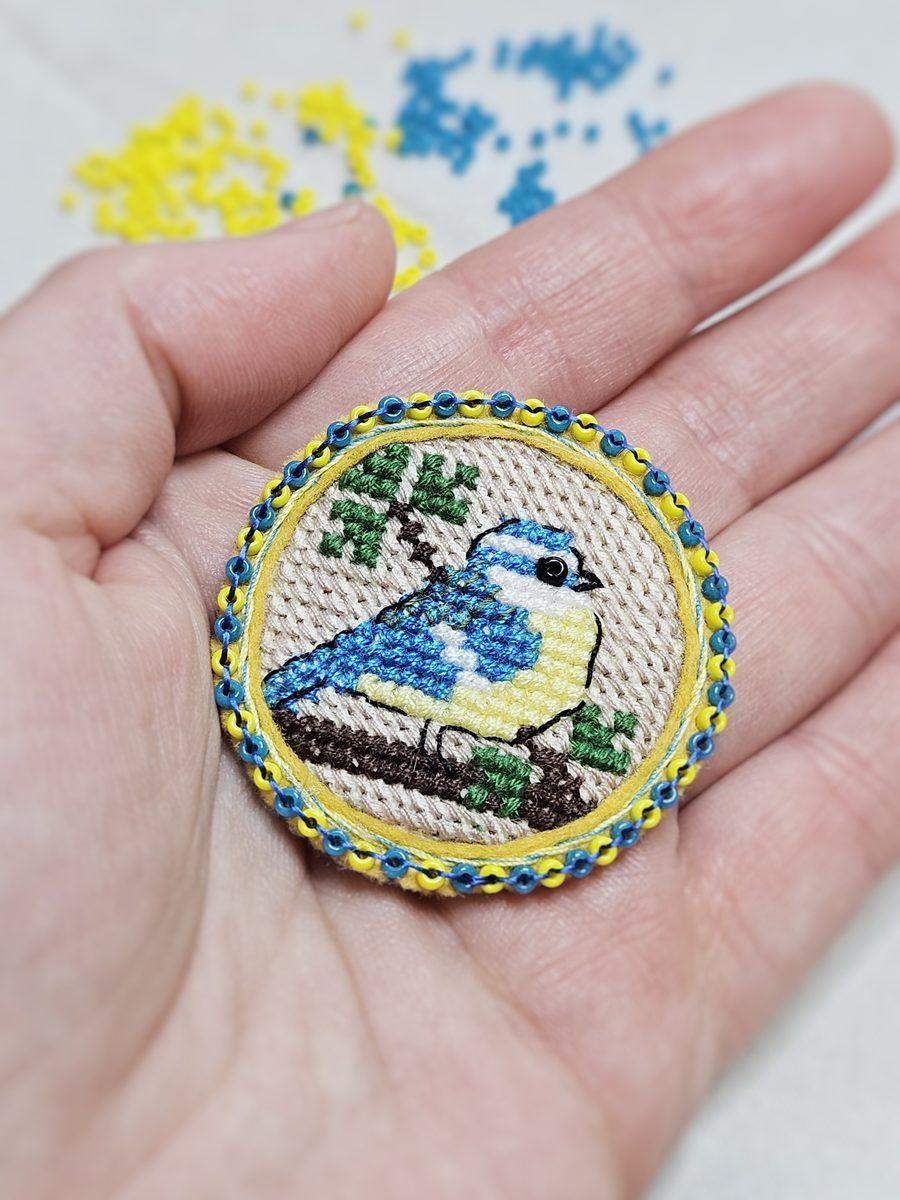
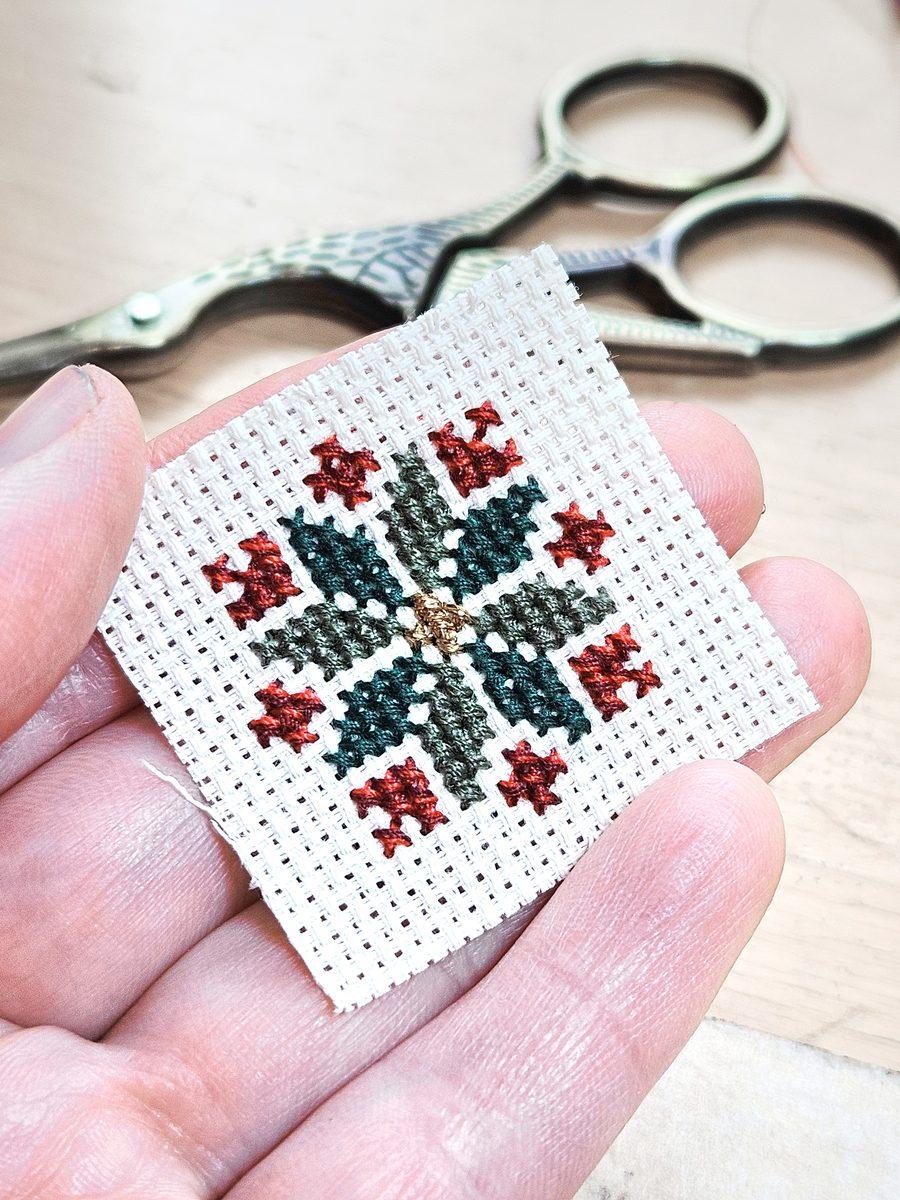
The blue tit brooch and the snowflake on the Patterns page were both charted in Kuvio before they were stitched.
Made with Kuvio
Questions about cross-stitch patterns
- How do I work out the finished size of my cross-stitch?
- Divide the number of stitches by the fabric count. A 70-stitch-wide design on 14-count Aida is 5 inches wide; on 18-count it is just under 4 inches. Add a margin of a few inches for framing.
- Does Kuvio add a thread key or symbols to the chart?
- Printed and downloaded charts have a color key that lists each color with how many stitches it takes, counting half stitches separately. Write your thread number next to each color. Symbols in the cells aren’t available yet.
- Can I show half stitches or three-quarter stitches?
- Each cell can be filled whole or as one of four half-cell triangles, which is a clear way to mark diagonal edges that you stitch as half or three-quarter stitches.
- Can I turn a photo into a cross-stitch pattern?
- Yes. Kuvio’s photo to pattern converter turns a picture into a grid with the number of colors you choose, right in your browser, and opens it in the editor for clean-up. Simple, high-contrast photos give the best results.
Guides
Your cross-stitch pattern starts as an empty grid.
No account needed. The editor opens on the square layout.